Events
Meetings and special occasions are part of the daily life of volunteering program. This is where events come in handy.
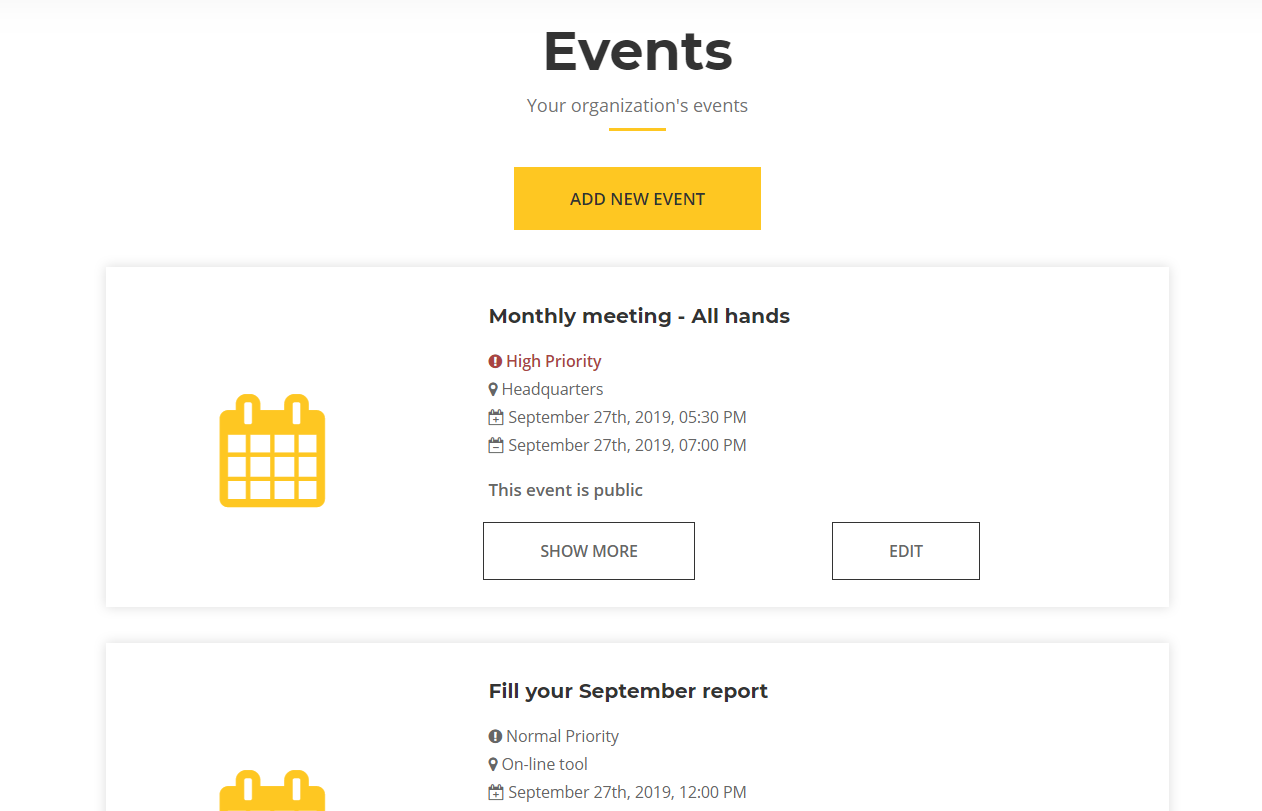
To help you access the most important events first, you can either view only upcoming, past events or whole calendar. You can do so through the top menu:

Creating a new event
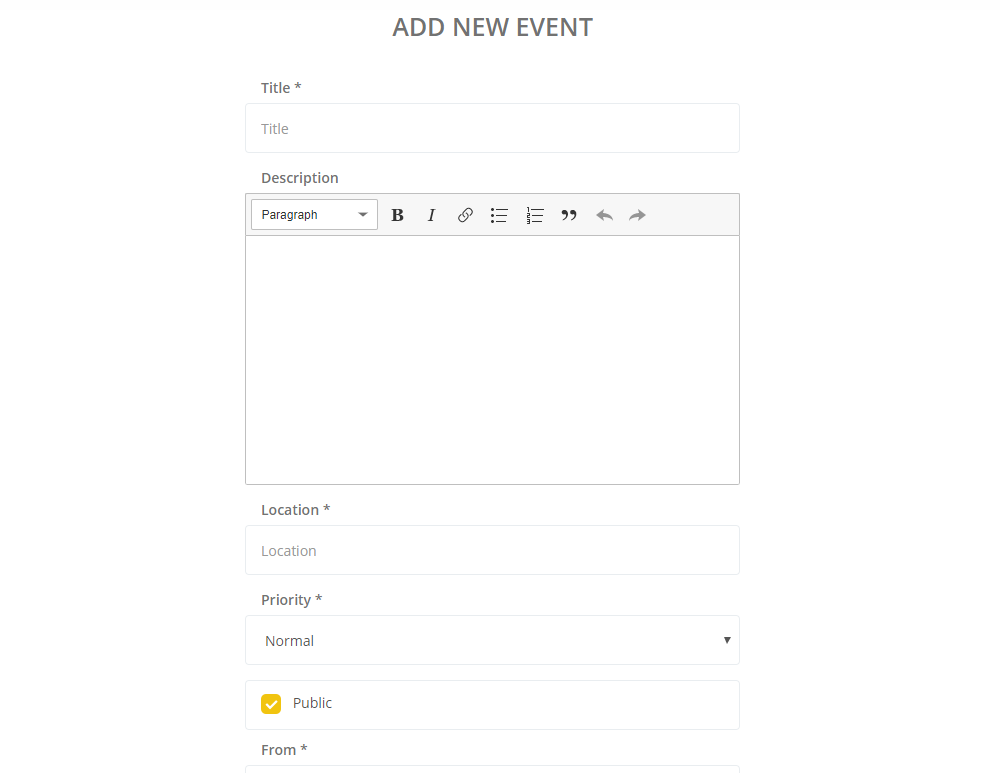
Creating a new event is fast and simple as filling the following form. There are multiple fields available:
- Title
- Description
- Location
- Priority
- Checkbox to determine whether event is public or not
- Starting from
- Starting to
- Remind at
Description is optional and can be used to note additional details. Priority will determine how it will be displayed in Calendar. If you uncheck Public, it will not be shown to all volunteers (more on that below). The last two fields will mark the start and the end of the event - it can be as short as one minute and as long as month or more. If you wish to, you can also specify date and time when volunteers will be reminded of the event by and e-mail.
As mentioned above, you can change the event to private. If you do so, you will be able to select specific volunteers that will see the event in their calendars. This is ideal for scheduling 1 on 1 meetings.

Calendar
Calendar is the best way to view both your organization's and volunteers' personal events at one place. An example month can look like this:
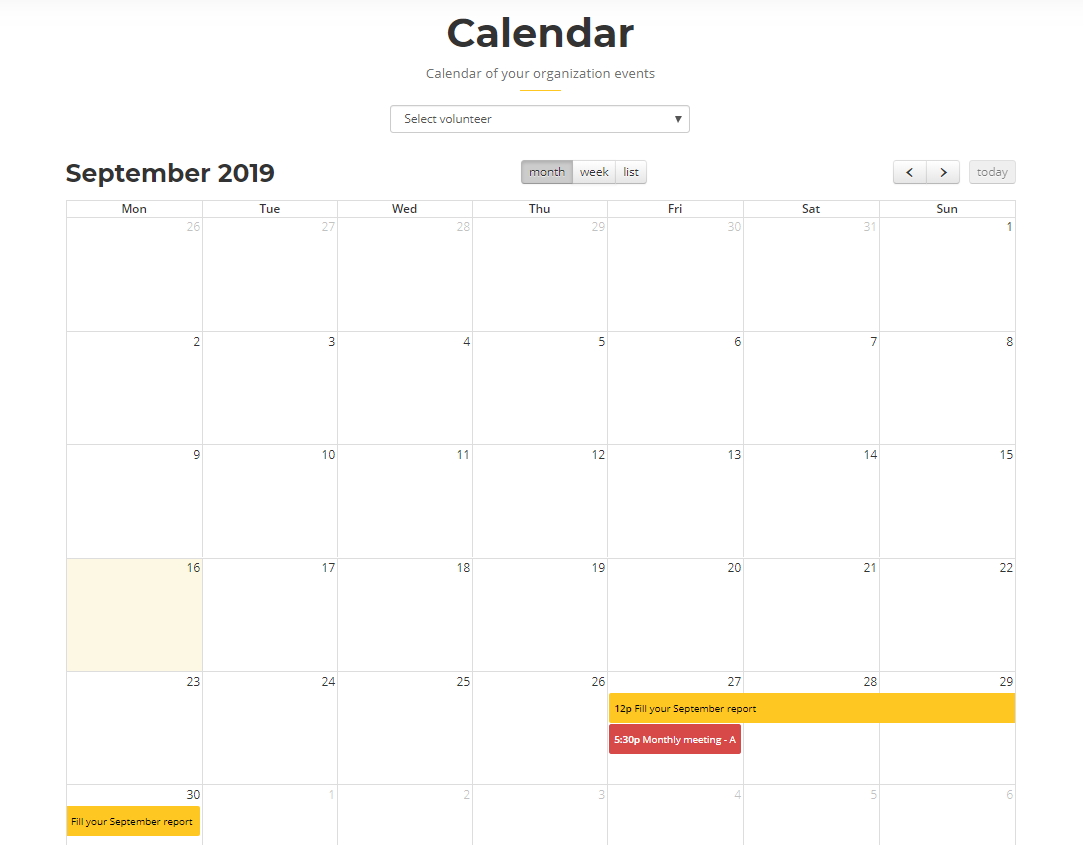
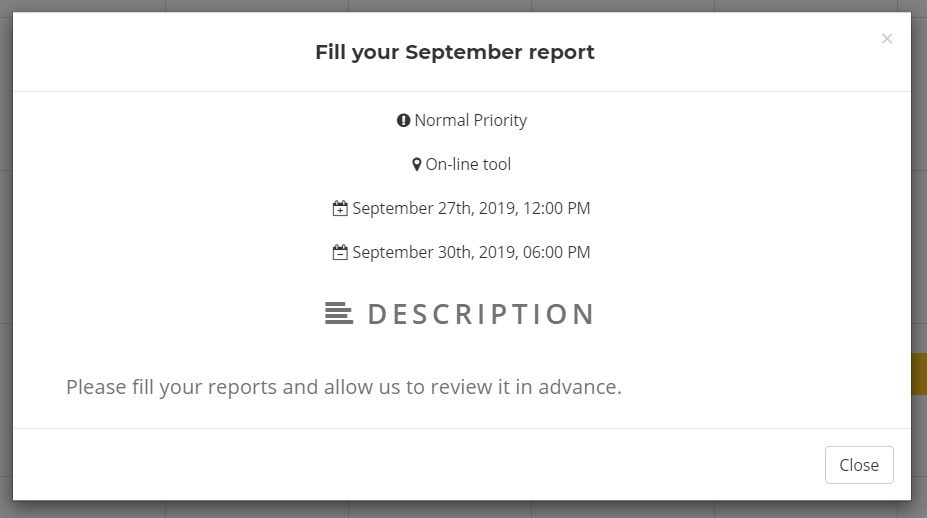
Notice that events have different colors depending on their priority. If you click on any event, you can see its details:
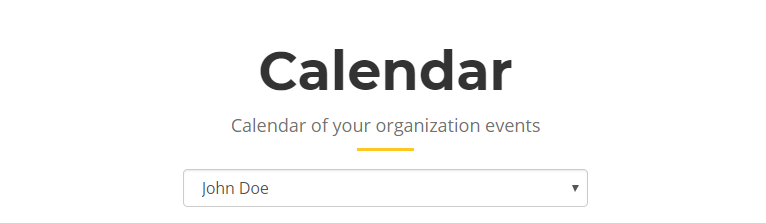
By default, you only see your own events, but you can choose any of your volunteers to see their personal calendar:
If you happen to see too many different things at a short period of time, you can use calendar's menu to switch between different views - monthly, weekly or just a simple list of weekly tasks.
