Reports
Reporting working hours is a skill everybody needs in professional life. It is therefore crucial to learn it as soon as possible. For this, we have prepared user-friendly time sheet for your volunteers to fill.
Reviewing reports
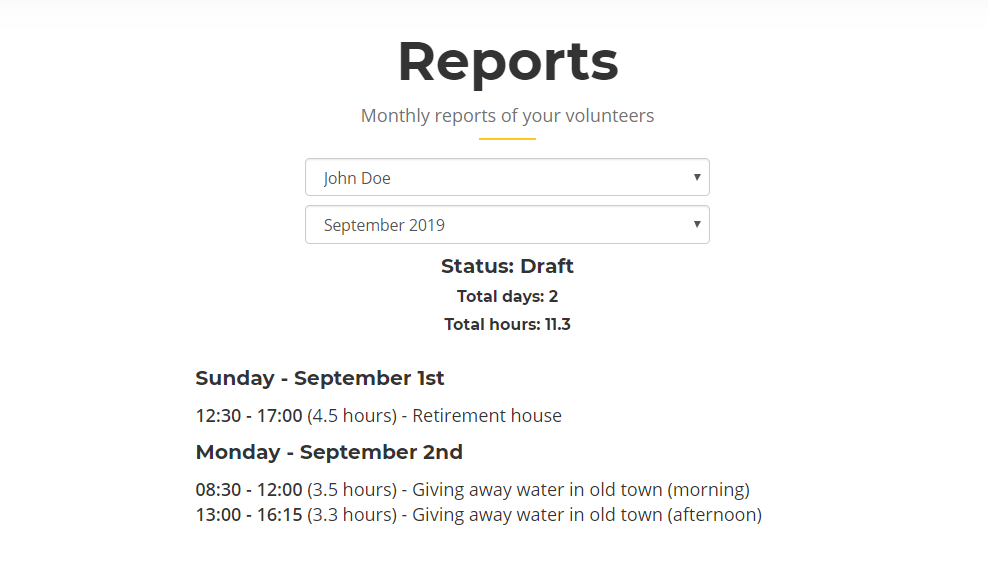
When volunteer thinks he finished his time sheet, he will submit it for your review. This is where you enter the process. You can view all pending reports directly from the menu:

In the pending report, you can see all the details about it - all days and all hours reported. It is completely up to you to decide what is wrong and what is right.

If you think that there is something wrong, you can reject the report and give volunteer opportunity to correct it.
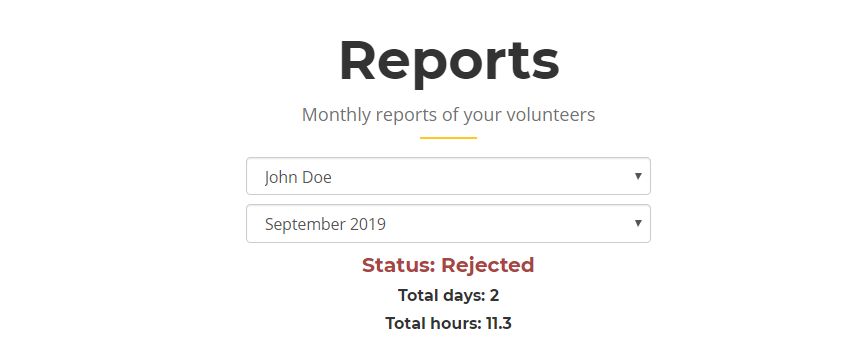
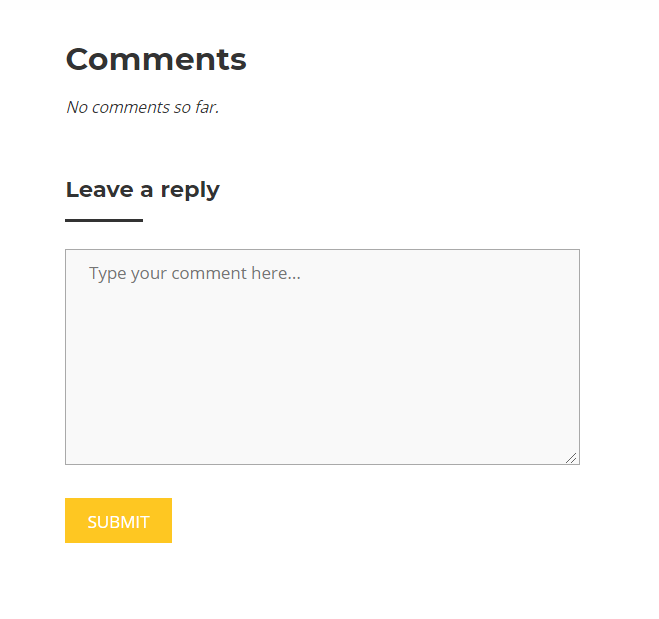
Of course, volunteer won't be able to do any corrections without your feedback! For that, comments are the best place where you can discuss given report and required changes.
However, if everything is alright, you can accept it, which will complete the process of reporting volunteer's working hours.
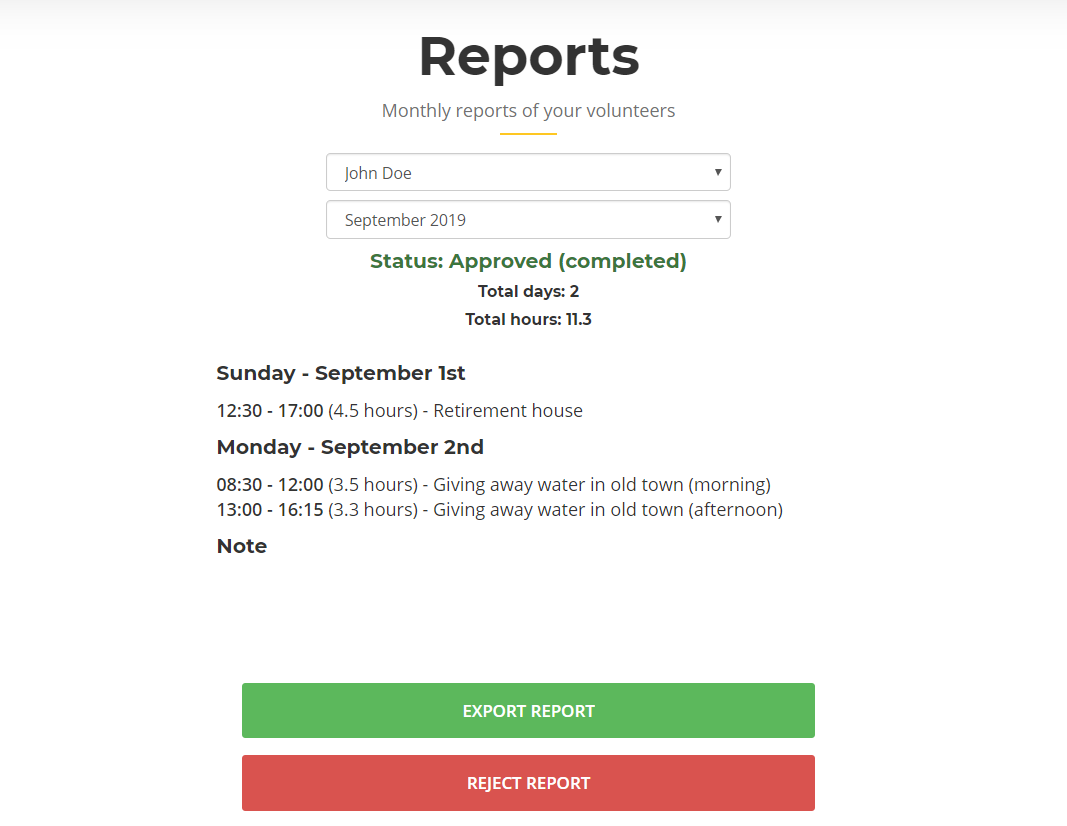
Exporting accepted reports
If you need to share or print volunteer's report, you can export it directly to PDF. This is how it will look like:

Be gentle on our nature
Think twice before printing a report - is it really necessary? Wouldn't be sending exported PDF through e-mail more efficient?
← Events