Members
Your organization is not just a single entity - it's made up of many individual members. This is an ideal place where you can mention and introduce all of them.

Adding new member
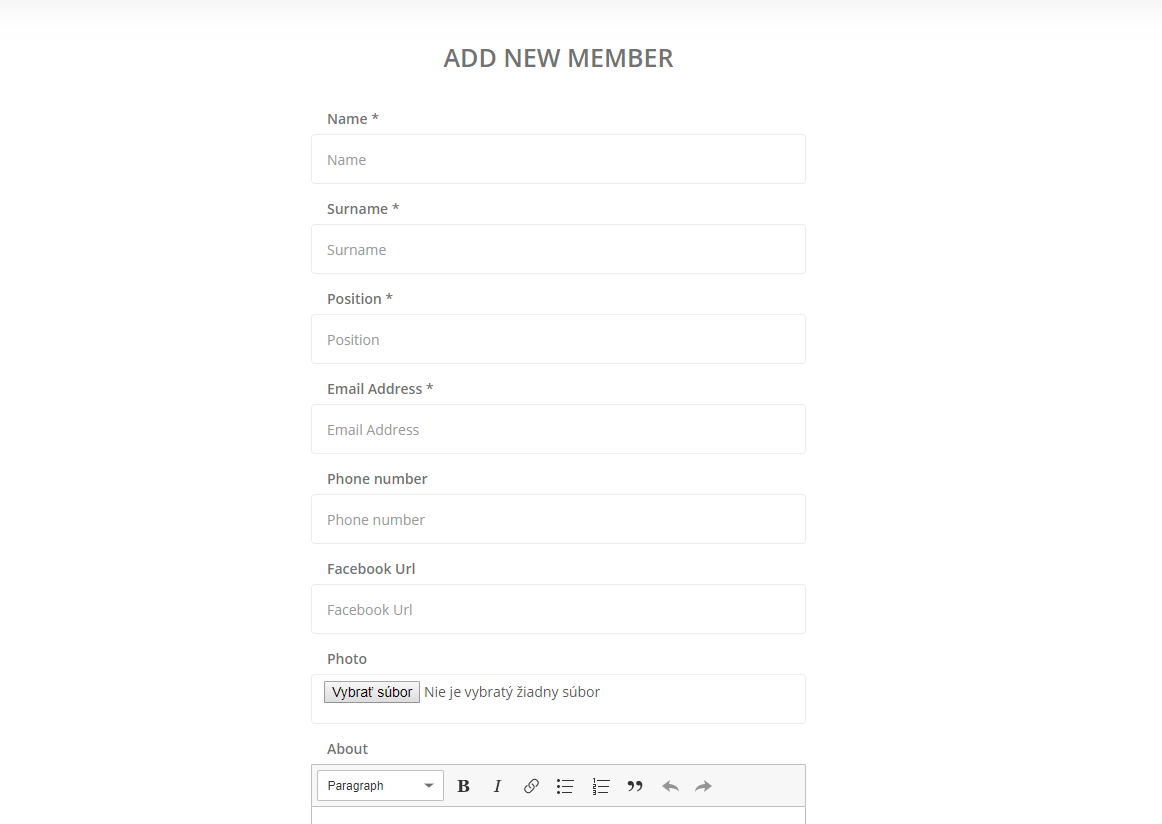
You can add a new member by clicking on Add new member button. First of all, you have to fill 4 required fields:
- Name
- Surname
- Position
Additionally, you can enhance member's profile with 4 optional fields:
- Phone number
- Facebook profile URL
- Photo (avatar)
- Description
We advice you to at least add photo and description to make these profiles feel more personal.
Reordering members
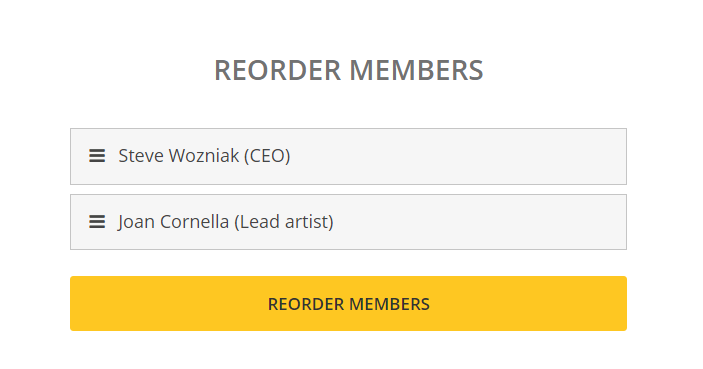
It might happen that you will add a new member, but need him to be displayed first instead of last. For this, you can click on Reorder members button and adjust members order as you please.